Lagos Run
Play Lagos Run free online. Take the wheel of a yellow danfo, pick up passengers, and find your rhythm in the traffic.
 Free browser game
Opening the player…
Still not loading? Try Reload, or choose another game.
Next stop: a better run.
01Know the controls
A compact keyboard and mobile reference for the original game.
Your first trip through the traffic
Learn the danfo before you chase a longer run.
Take a different route.
 Play
Play
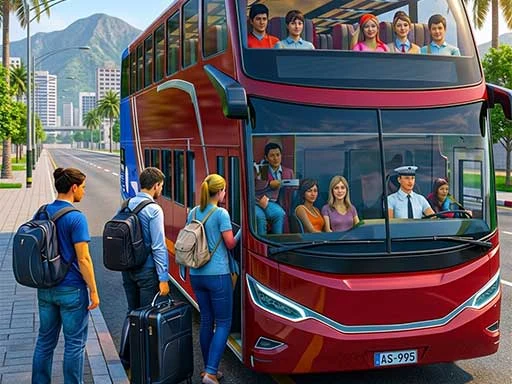
City Bus Simulator Driving Games
Keep the passenger-transport theme of Lagos Run and learn to handle another kind of bus route.
 Play
Play
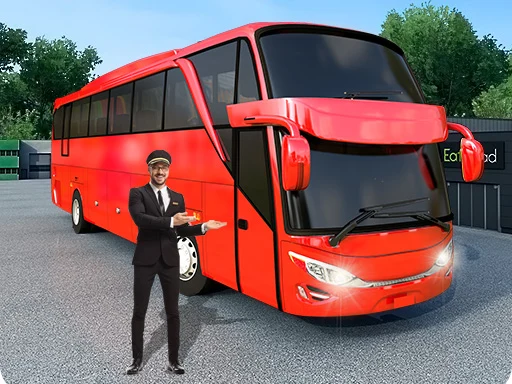
Bus Driving Master 3D
Keep the passenger-transport theme of Lagos Run and learn to handle another kind of bus route.
 Play
Play
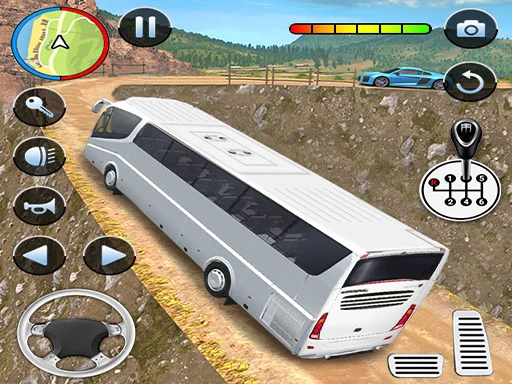
US Coach Bus Simulator Game
Keep the passenger-transport theme of Lagos Run and learn to handle another kind of bus route.
 Play
Play
Modern Bus Simulator Games
Keep the passenger-transport theme of Lagos Run and learn to handle another kind of bus route.
 Play
Play
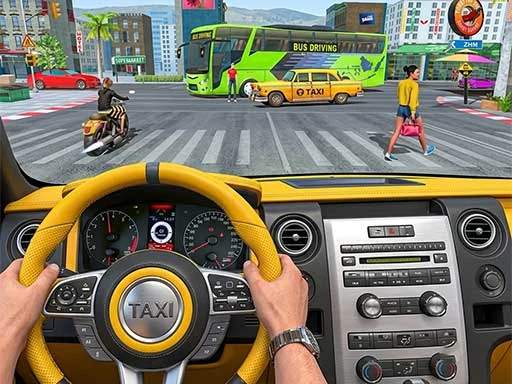
Taxi Driver Ultimate
Swap the danfo for a taxi while keeping the focus on city routes and passenger pickups.
 Play
Play
Taxi Parking Driving
Swap the danfo for a taxi while keeping the focus on city routes and passenger pickups.
 Play
Play
Horizon Highway Driving
Keep reading the road and choosing gaps, with a faster traffic challenge between danfo trips.
 Play
Play
Truckers: Offroad Cargo Transport
Trade passengers for cargo or service missions, with careful vehicle handling still at the center.
How to play Lagos Run
Read the road
Find an open lane and watch the next-stop indicator. The bus moves through traffic while the route and distance update.
Make the stop
Move toward the marked stop and brake inside the yellow loading box. Give passengers time to board before pulling away.
Finish the trip
Carry passengers to their destinations and watch your fares. A controlled run gives you more chances to make the next pickup.
A little local knowledge.
Your first trip through the traffic
Learn the danfo before you chase a longer run.
Brake early. Make the fare.
Treat the yellow loading box as a destination, not an obstacle.
Know the controls before the go-slow
A compact keyboard and mobile reference for the original game.
Get back behind the wheel
Practical checks for a game that will not load or respond.
About Lagos Run
Lagos Run is a browser driving game by Opeyemi Adeniran. Its yellow danfo and busy road turn a familiar Lagos commute into a quick arcade challenge. Steering matters, but so does knowing when to slow down: picking up and delivering passengers is part of the run.
More than a straight-line race
The next-stop display gives you a reason to look beyond the vehicle immediately ahead. Choose a lane early, leave room to brake, and check the loading area as it approaches. Staying fast everywhere can cost you a stop that was worth taking.
Make every stop deliberate
The original game instructs players to stop in the yellow box to load passengers and deliver them at their stop to get paid. Watch its visual prompts while you wait. Accelerate only when you are ready to rejoin traffic, rather than treating the stop as a collectible to drive through.
A road full of decisions
The keyboard layout separates lane changes, gas, brake, jumping, and the horn. Learn those actions in a quiet part of a run so you do not need to look away during a busy section. On a touch device, use the original player’s visible controls and keep the road in view.
Between one run and the next
The original menu includes a garage, missions, and leaderboard. Those features belong to the game provider, and their labels or availability may change with updates. Compare a few runs using similar driving choices before deciding what helped; a single lucky stretch is not a reliable strategy.
Play directly from the source
The player here loads the original game after you press Play. Use Reload if a connection is interrupted, or Fullscreen for more room. This guide does not operate the game’s leaderboard, radio service, or saved progress.
Lagos Run FAQ
Is Lagos Run free to play?
The original browser game can be launched here for free. An internet connection is needed to load the player and its online services.
What are the keyboard controls?
Use left and right arrows to change lane, up for gas, down for brake, Space to hop, H for the horn, R for radio, M for mute, and P to pause.
How do I pick up passengers?
Approach the marked bus stop and brake inside its yellow loading box. Follow the game’s countdown and passenger indicators before driving away.
Can I play on a phone?
The original game includes touch controls. If the embedded player feels cramped, use Fullscreen where supported, or turn your device sideways.
Who created Lagos Run?
Lagos Run was created by Opeyemi Adeniran, known online as Eureka. LagosRun.org is an independent play-and-guide site.
Where is my progress stored?
Progress and online features are controlled by the original game. Browser storage restrictions can affect an embedded session, so use the creator’s site if progress does not persist.
Lagos Run is provided by its creator, Opeyemi Adeniran, through the original game player. This independent guide site is not affiliated with the developer.